
How to use 16×2 lcd display with arduino
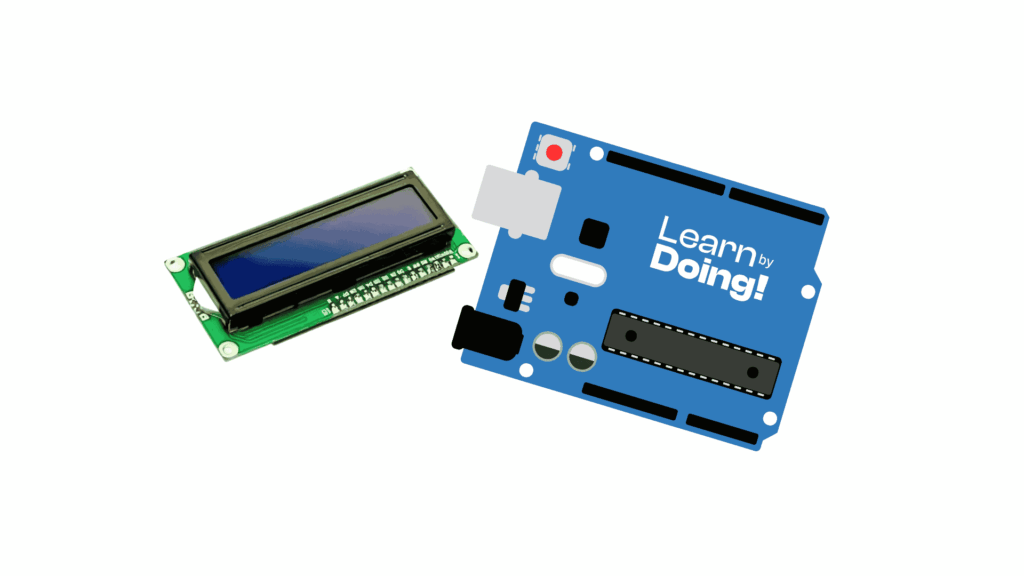
In this tutorial, we will explore advanced functionalities of a standard 16×2 character LCD with an Arduino Uno, including custom characters, contrast control, and backlight management. 📝 Required components Arduino Uno 16×2 Character LCD (HD44780-based) Potentiometer (10kΩ) for contrast 220Ω resistor (for backlight) Breadboard Jumper wires Step 1: Wiring the Electronics 1 Connect VSS to […]
How to use a Photoresistor (LDR) with Arduino
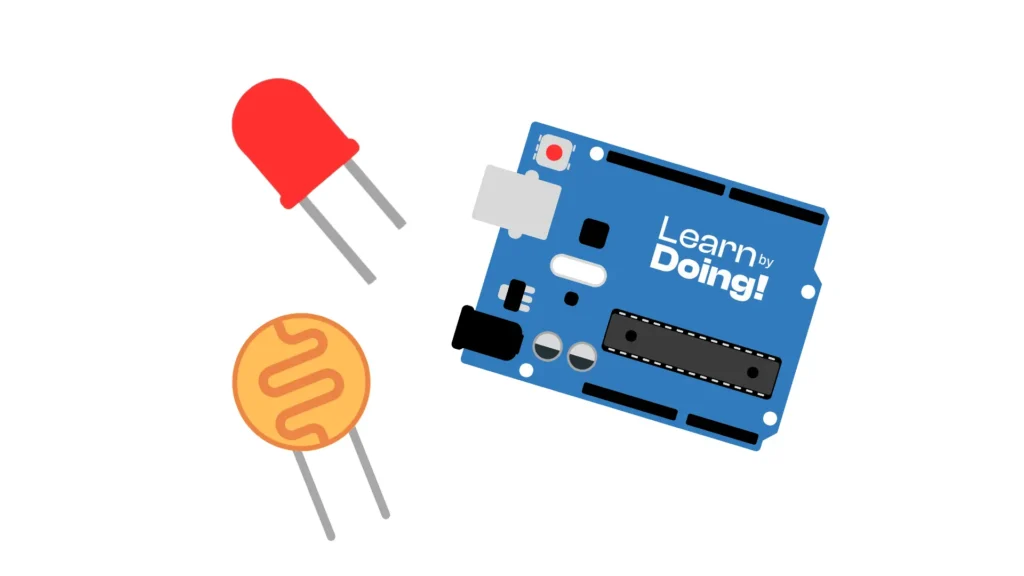
Photoresistors, also known as LDRs (Light Dependent Resistors), are simple, inexpensive, and versatile light sensors. They detect the amount of light in the environment and are perfect for robotics, home automation, and DIY projects. 📑 How it Works A photoresistor is an electronic component whose resistance changes based on the light it receives: When light […]
How to use RPI sensor with arduino

In this tutorial, you will learn how to use a PIR (Passive Infrared) motion sensor with an Arduino Uno to detect motion. When motion is detected, an LED will turn on. This is a common setup for simple motion-activated alerts or indicators. 📝 Required components Arduino Uno PIR Motion Sensor LED (any color) 220Ω resistor […]
How to turn on a SPDT RELAY with arduino
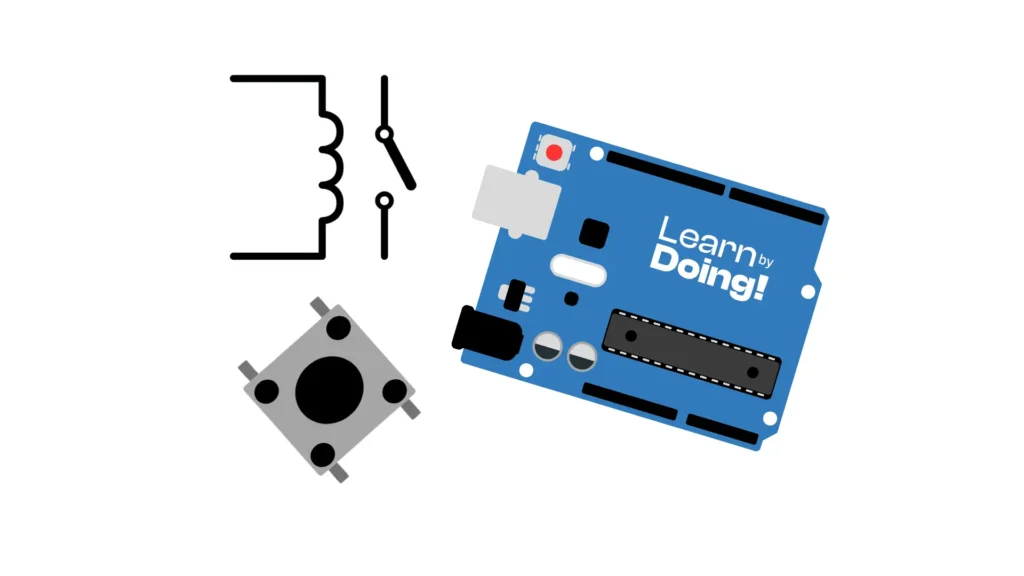
In this tutorial, we will learn how to control an SPDT relay module with an Arduino Uno using a push button as a toggle switch. Each press of the button will change the state of the relay: if the coil is off, it will turn on and stay on until the button is pressed again […]
How to Use an nRF24L01 Module with Arduino
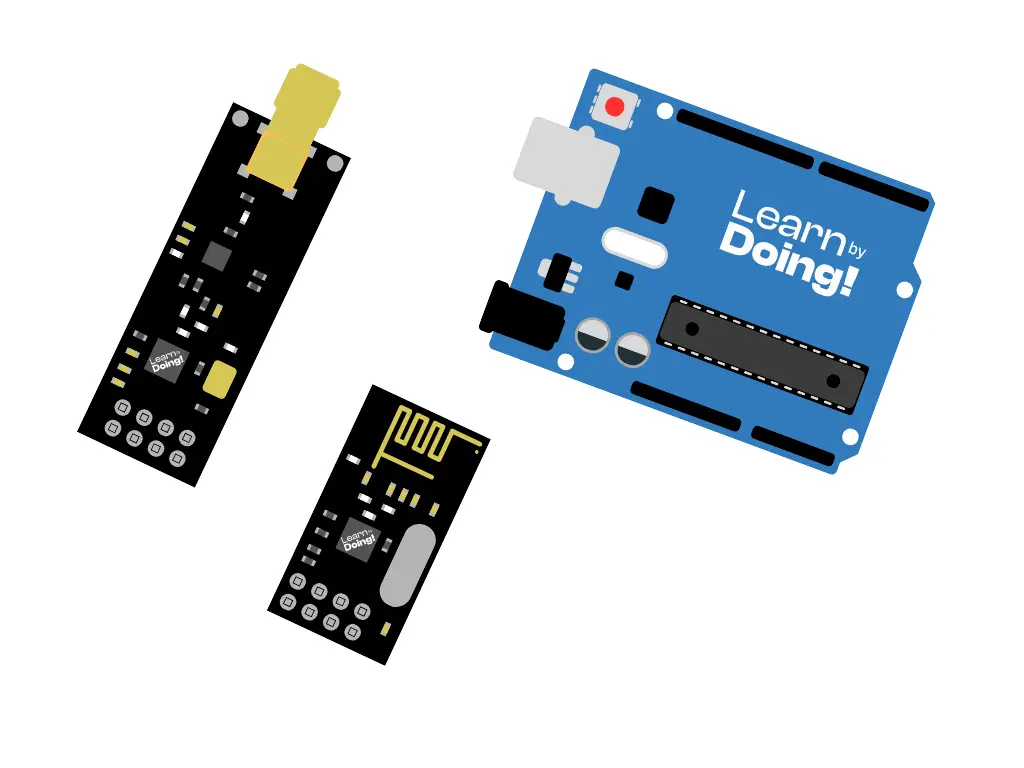
In the world of robotics and IoT, wireless communication between devices is essential. One of the most affordable and efficient modules for transmitting data over a 2.4GHz radio frequency is the nRF24L01. In this tutorial, we’ll explore how it works, the difference between its versions, and how to use it with Arduino. 🔍 What is […]
How to turn on an LED using a button with Arduino
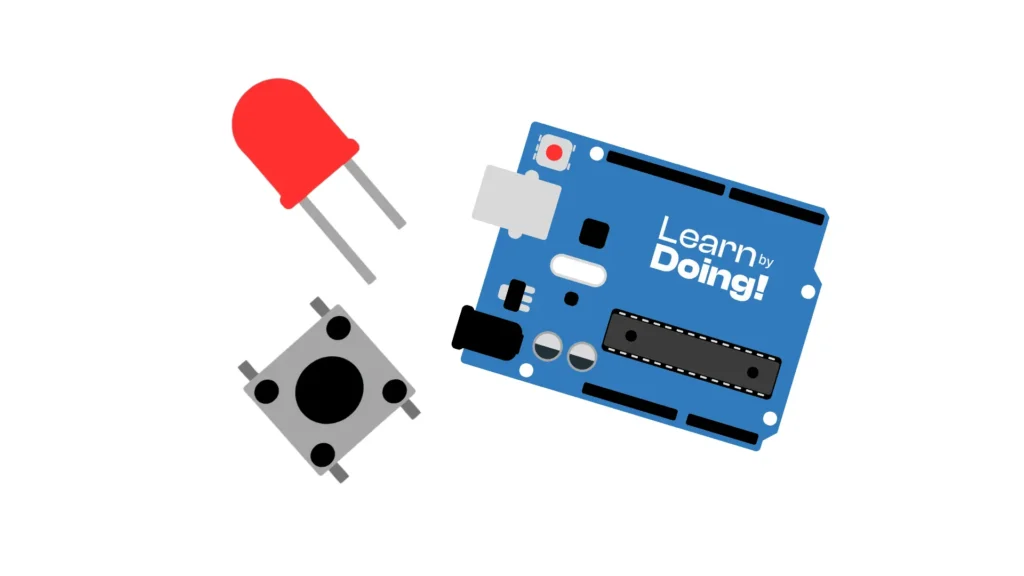
In this tutorial, we will learn how to control an LED using a push button connected to an Arduino Uno. We will also explore the use of resistors: how to choose them, their function, and how to read their color codes. 📝 Required components 1 x Arduino Uno (or compatible board) Push button LED (any […]
How to use a button with Arduino
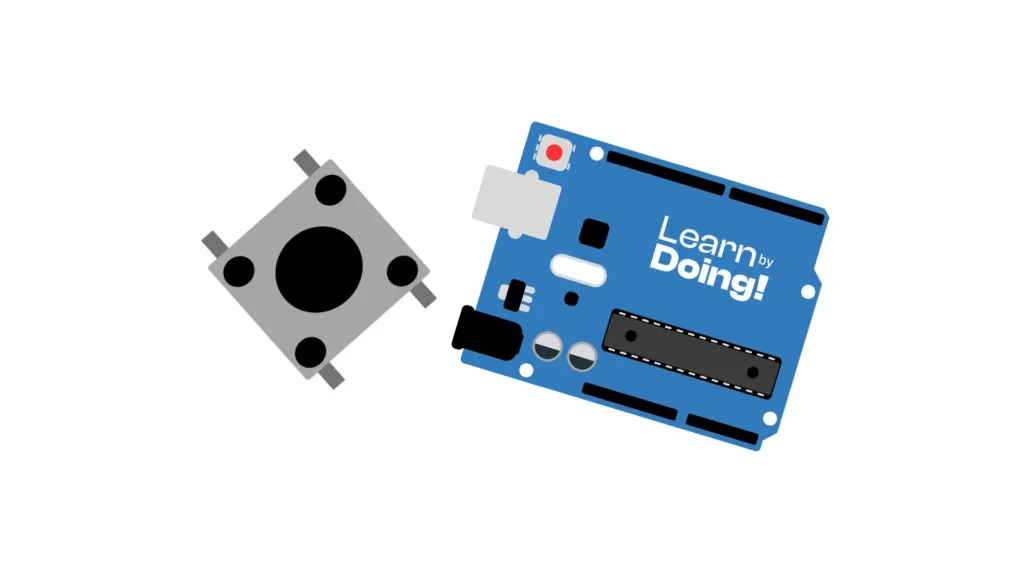
In this tutorial, we will explain how to use a push button with an Arduino board. We will walk through the correct wiring, provide a simple code example, and explain each step to help you understand how to detect button presses. 📝 Required components 1 x Arduino Uno (or compatible board) Push button 10kΩ resistor […]
How to use a NEMA 17 with Arduino
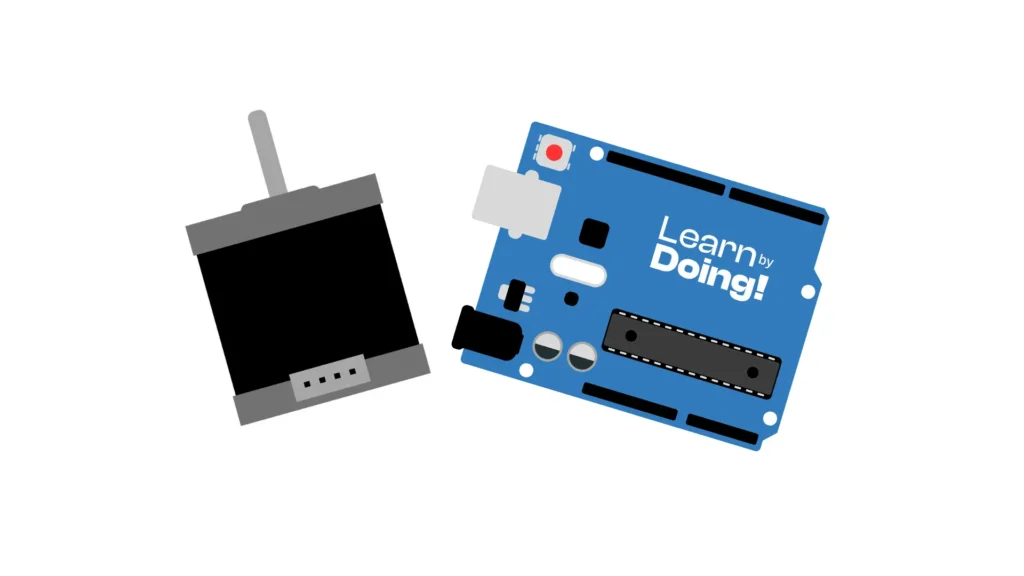
In this tutorial, we will walk through the essential steps required to program an Arduino Uno to control a NEMA 17 stepper motor. We will also cover in detail how to correctly wire all the components involved, ensuring a reliable and safe operation of the entire system. 🔍 What is a NEMA 17? The NEMA […]
How to use a Potentiometer with Arduino
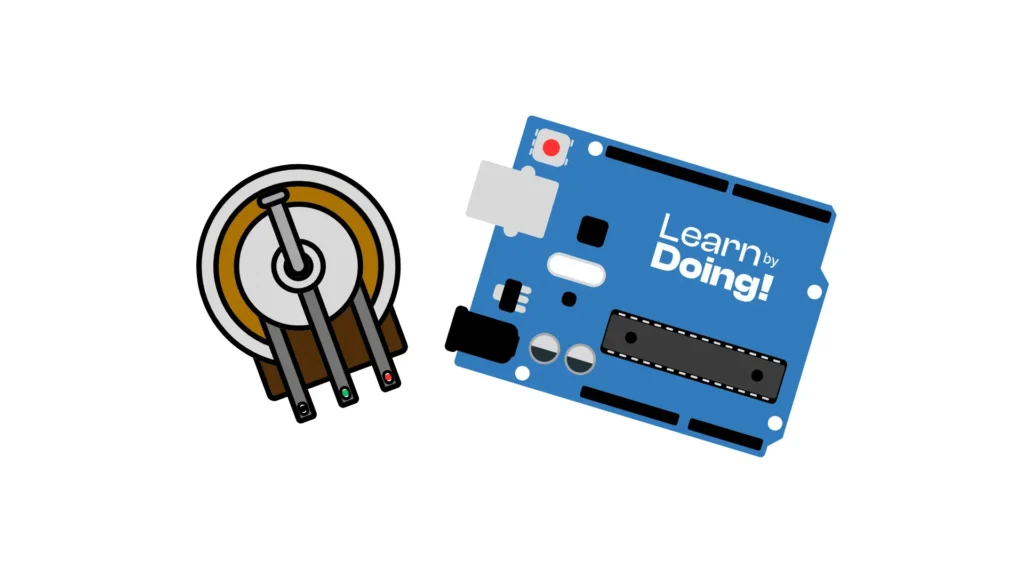
In the world of robotics and electronics, sensors and input devices play a crucial role in allowing machines to interact with their environment. Among the simplest and most versatile components is the potentiometer — an inexpensive and reliable device that allows manual voltage adjustment. 🔍 What is a Potentiometer? A potentiometer is a variable resistor […]
How to Control a Servo Motor with Arduino
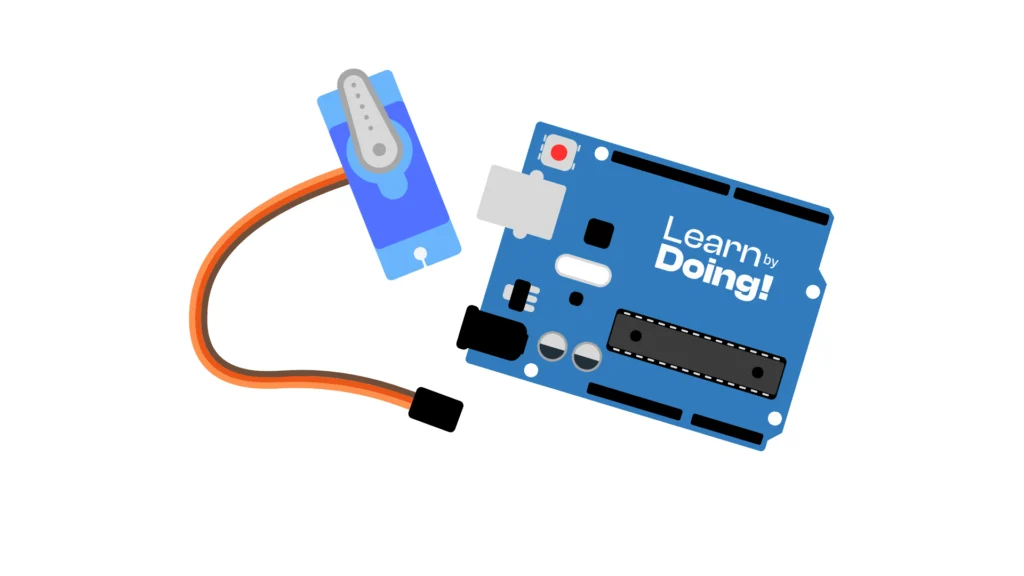
Servo motors are widely used in robotics, automation, and RC models because they can move to specific angles with precision. In this tutorial, you’ll learn how to connect a servo motor to an Arduino Uno and control its position with simple code. 📝 Required Components 1× Arduino Uno 1× Servo Motor (like SG90 or MG90S) […]

