
When developing complex robotic systems, one of the most critical requirements is the ability to adapt software behavior without recompiling code.
In ROS 2, this goal is achieved through parameters, a fundamental mechanism that enables nodes to be configured dynamically, safely, and flexibly.
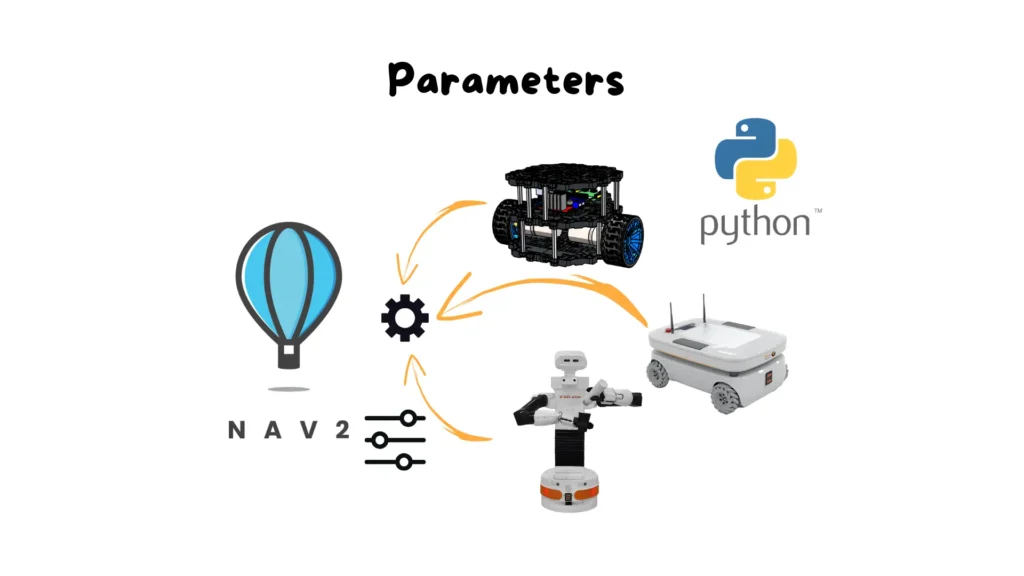
Parameters make it possible to separate node logic from configuration values. This means that the same node can be reused across different robots, environments, or operational constraints simply by changing parameter values. This is the same principle that allows large frameworks such as Nav2 or MoveIt 2 to operate on very different robotic platforms while sharing the same core logic.
In this article, we explore how the ROS 2 parameter system works, how parameters are handled inside a Python node, and how they can be inspected and modified using the ROS 2 Command Line Interface—both at startup and during runtime.
In ROS 2, every node owns its own parameter space. There is no centralized parameter server as in ROS 1; instead, parameters are an integral part of each node. This design improves component isolation, reduces global dependencies, and makes the overall system more robust and predictable.
A parameter can represent any configuration value: numbers, strings, booleans, or more complex structures. Typical use cases include thresholds, speeds, frame names, execution frequencies, or operational modes. The most important feature is that parameters can be read and modified externally, without stopping the node.
From a design perspective, this enables the creation of generic and reusable nodes. From an operational standpoint, it allows systems to be tuned and adapted in real time—an essential capability for real-world robotics.
Before a parameter can be used in a ROS 2 node, it must be explicitly declared. ROS 2 does not allow undeclared parameters, a deliberate design choice that prevents silent errors and makes node behavior more deterministic.
Once declared, a parameter can be accessed at any time. If the parameter value is updated externally, the new value becomes immediately available inside the node. In addition, ROS 2 allows developers to register parameter update callbacks, which are automatically triggered whenever a parameter changes. This mechanism enables nodes to react instantly to configuration updates.
As a result, nodes do not need to be restarted to apply new settings—their internal logic can adapt dynamically while running.
After launching a node that exposes parameters, interaction through the ROS 2 CLI becomes a powerful configuration tool, especially during debugging and experimentation.
The first step is identifying which parameters are available. The CLI provides commands to list all parameters associated with running nodes, giving a clear overview of what can be configured. Once a parameter is identified, its current value can be queried to verify defaults or confirm that changes have been applied correctly.
This tight integration between nodes and the CLI makes runtime inspection and tuning straightforward and efficient.
One of the most important features of ROS 2 parameters is the ability to assign values at node startup. This allows the same node to be launched with different configurations without modifying the source code.
Startup parameters override the default values declared in the node. This is especially useful when testing different configurations or adapting a node to a specific deployment scenario. In practice, this mechanism is widely used in launch files, where parameters are defined centrally for the entire system.
After startup, parameter values can always be verified through the CLI to ensure the node is operating with the intended configuration.
Beyond initial configuration, ROS 2 allows parameters to be updated while the node is running. This capability is one of the key reasons ROS 2 is well suited for real robotic systems, where stopping and restarting nodes is often impractical.
When a parameter is changed at runtime, the node immediately receives the new value. If a parameter callback is defined, it is triggered automatically, enabling the node to respond to the change—for example by updating internal variables or adjusting its behavior.
This mechanism supports real-time tuning, allowing developers and operators to observe the effect of configuration changes directly on system behavior.
Parameters are not a minor implementation detail; they are one of the pillars of modern ROS 2 architectures. They are used extensively in perception pipelines, navigation planners, controllers, and safety systems. Without proper parameter management, building modular, reusable, and maintainable robotic software would be impossible.
Learning how to use parameters correctly is therefore a core skill for professional ROS 2 development. It also enables developers to understand and customize complex configurations used in large frameworks and production-grade systems.
In this article, you learned how the ROS 2 parameter system works, how parameters are declared and used in Python nodes, and how they can be inspected and modified using the Command Line Interface. We covered both startup configuration and runtime updates, highlighting why parameters are essential for building flexible and adaptive robotic software.
What you have seen here is only the foundation. In real systems, parameters are organized into YAML files, integrated into launch descriptions, and used to coordinate behavior across many nodes simultaneously. Mastering these mechanisms requires a broader and more practical understanding of the ROS 2 ecosystem.


Assemble your robot and get started to learn Robotics!