
How to Build and Test a ROS 2 Action Client in Python
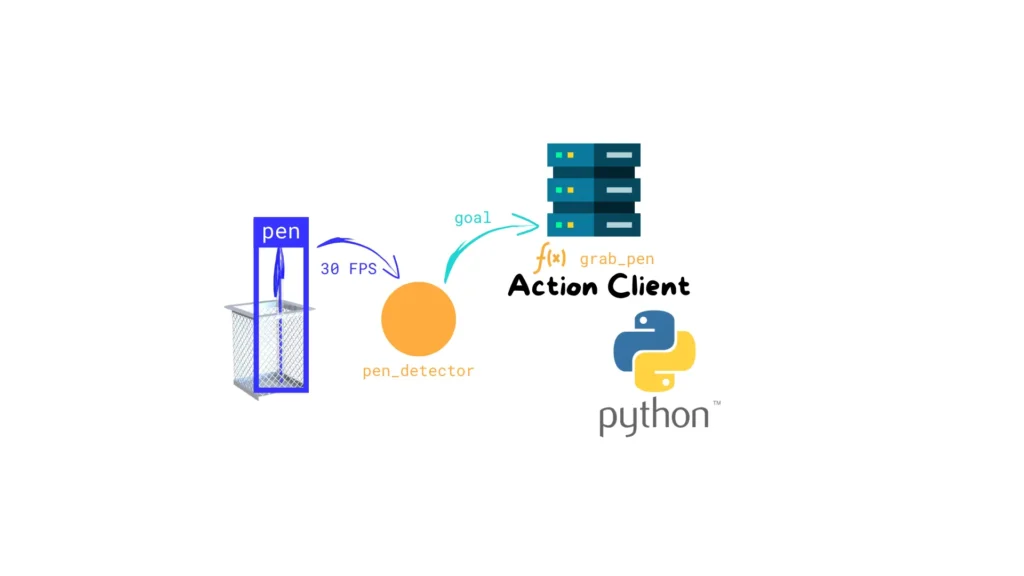
In the previous article, we implemented a ROS 2 Action Server in Python that calculates the Fibonacci sequence. We also saw how to interact with it using the ROS 2 CLI (ros2 action send_goal). Now, we’ll take a step further and implement a ROS 2 Action Client in Python.This client node will connect directly to […]
How to Build and Test a ROS 2 Action Server in C++
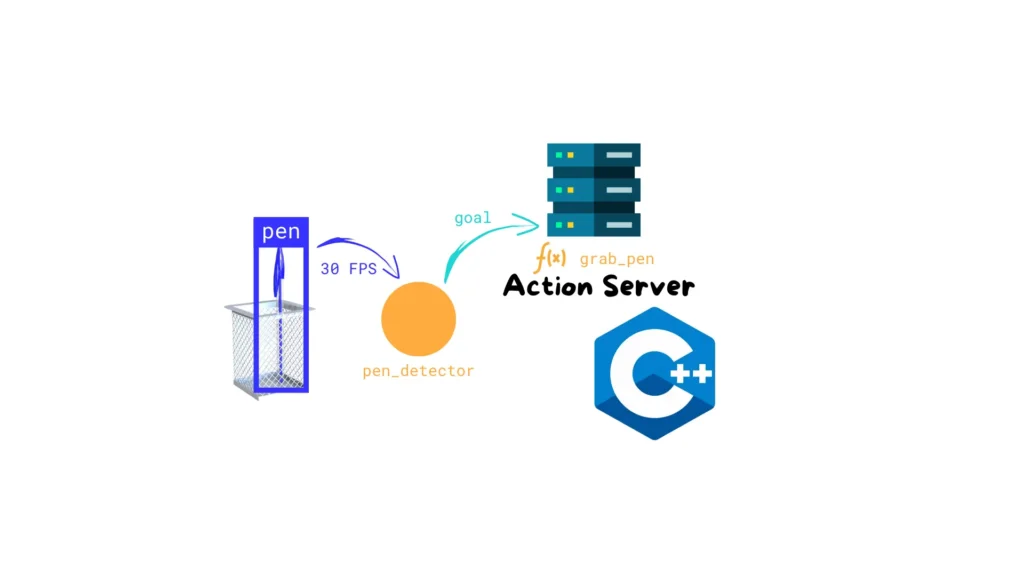
When working with robots, not every task is instantaneous. Some operations take time: navigating across a room, picking up an object, scanning an area, or performing a long computation.In ROS 2, these “long-running” tasks need a special way for nodes to talk to each other — one that allows progress updates and the ability to […]
How to Interface Your ROS 2 Robot with Alexa Using Flask and Python
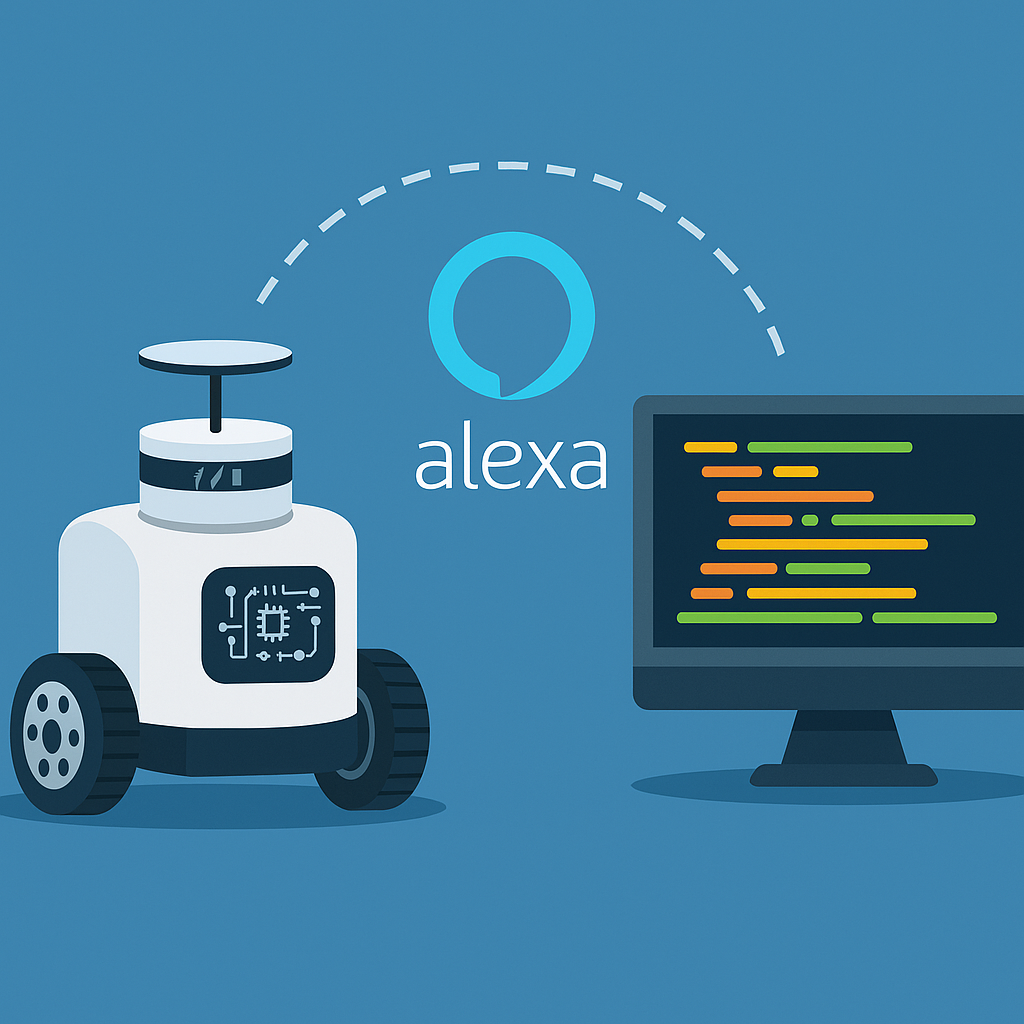
👉 How to Interface Your ROS 2 Robot with Alexa Using Flask and Python In this hands-on lab, you’ll learn how to create a Python web server that acts as a bridge between an Alexa Skill and your ROS 2 robot. By using Flask and the Alexa Skills Kit SDK, you will interpret voice commands […]
How to Link Your Alexa Skill to a Local ROS 2 Server Using ngrok
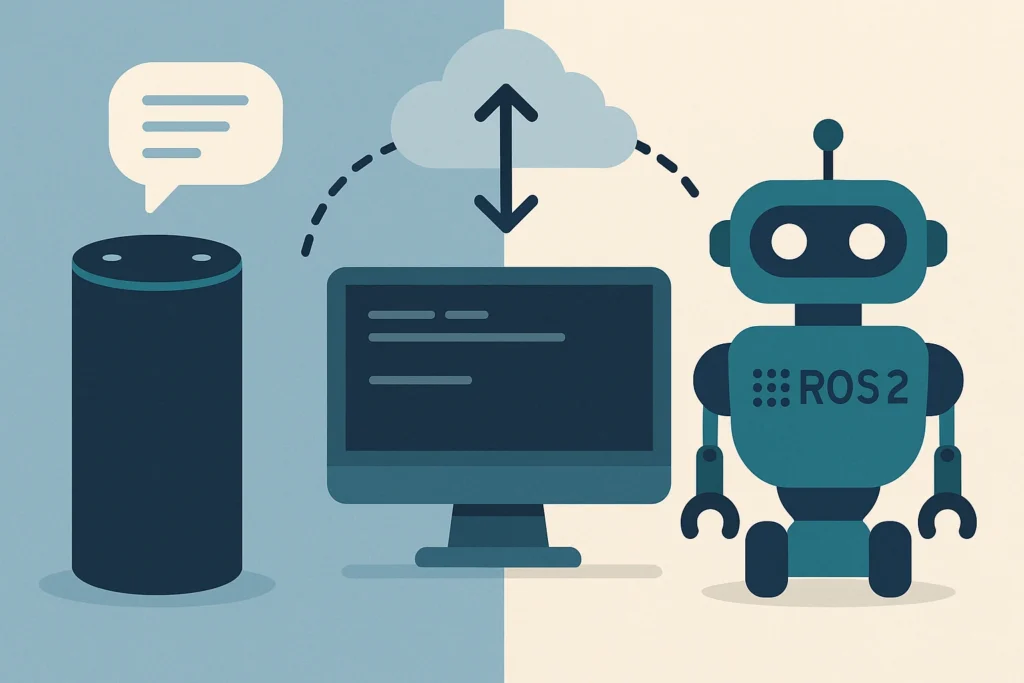
👉 How to Link Your Alexa Skill to a Local ROS 2 Server Using ngrok In this tutorial, you’ll learn how to connect the Alexa Skill you previously created to a local ROS 2 server using ngrok. This setup will allow your voice commands to travel from Amazon’s cloud to your machine, where they can […]
Control Your ROS 2 Robot with Alexa
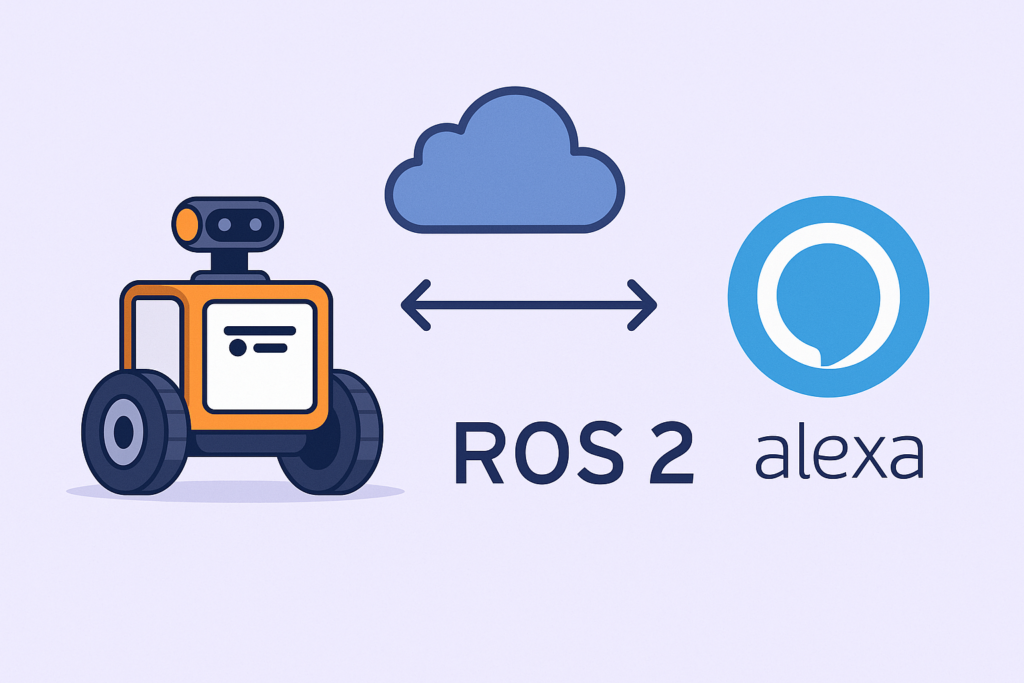
In this guide, you’ll learn how to connect your ROS 2 robot to Amazon Alexa using the internet. This connection enables you to control your robot with voice commands using custom Alexa Skills, without requiring a physical Alexa device. We’ll use the ASK SDK, ngrok, and ROS 2 action servers to complete the setup. By […]
How to Build and Test a ROS 2 Service Server in C++
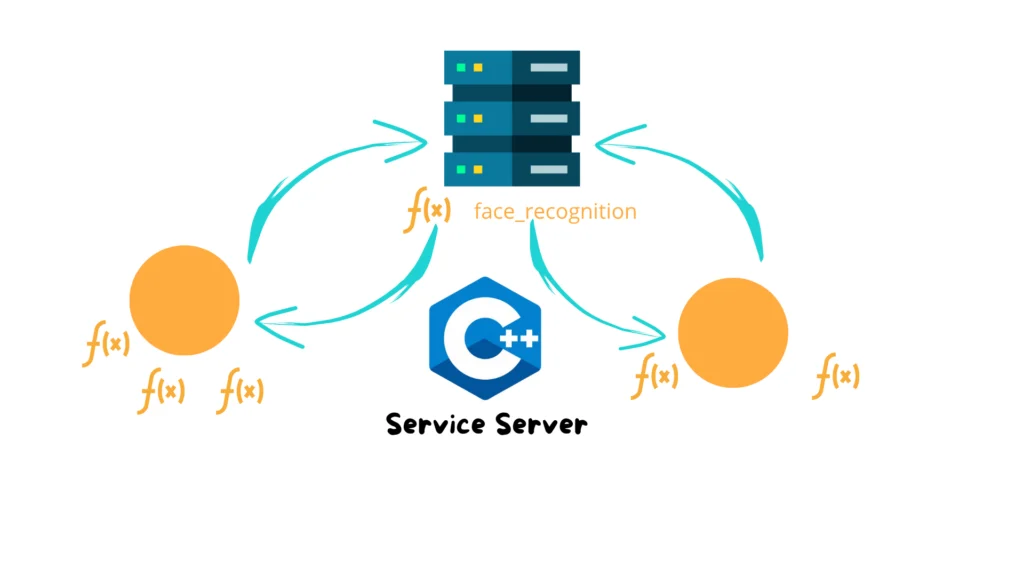
In robotics, especially with ROS 2, it’s common for different nodes to interact and collaborate to accomplish tasks. So far, we’ve used the publisher/subscriber model to communicate between them — which works well for data streaming. But what if you just need to trigger a specific operation and get a result back? That’s where Services […]
How to control a DC Motor using Arduino and PID Algorithm
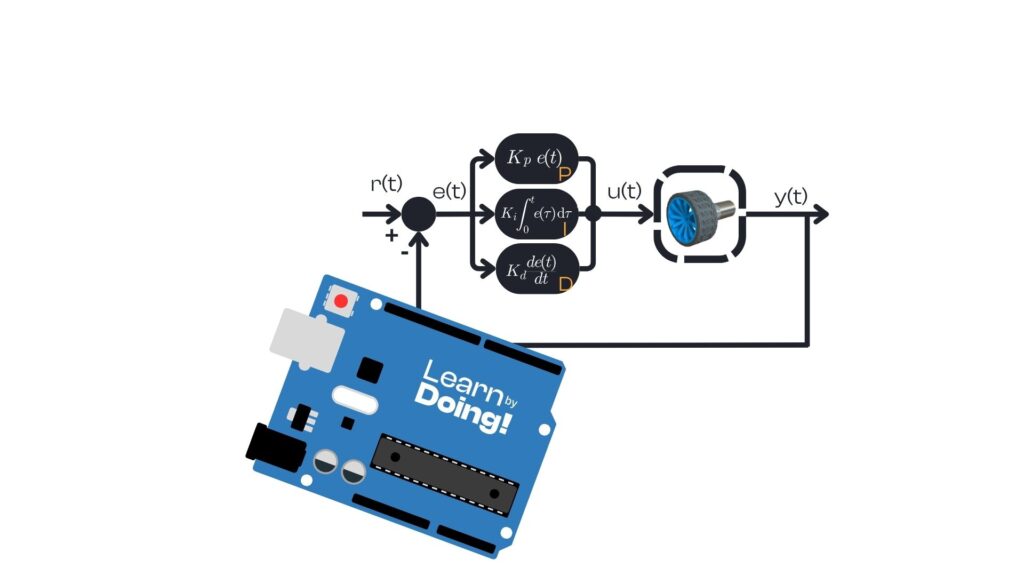
Controlling the speed and direction of a DC motor precisely is essential for many robotics and automation projects. In this tutorial, we will learn how to use a PID controller to regulate the velocity of two DC motors connected through an L298N driver, with feedback from wheel encoders. Why use a PID controller for motor […]
Understanding PWM in Robotics
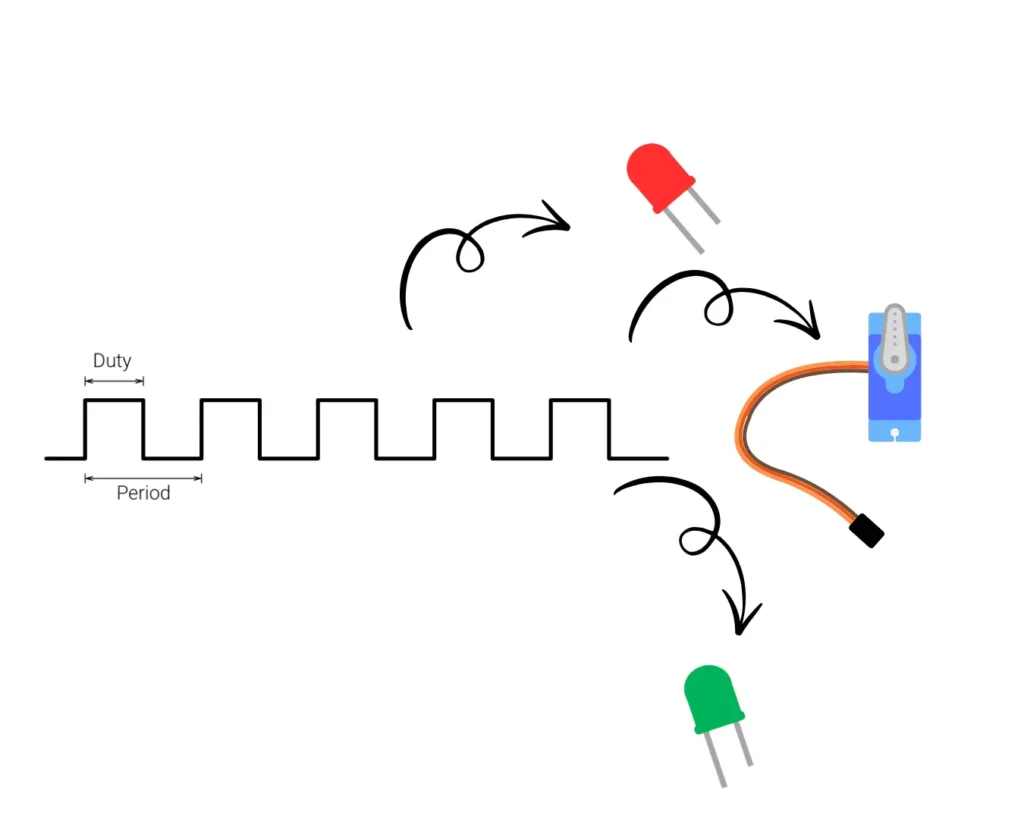
In robotics, controlling how fast a motor spins or how bright an LED shines is essential. PWM — Pulse Width Modulation — is the tool that makes this possible. Let’s dive into what PWM is, how it works, and how you can use it in your own robotic projects. 🔍 What is a PWM? PWM […]
How to use i2c lcd with Arduino
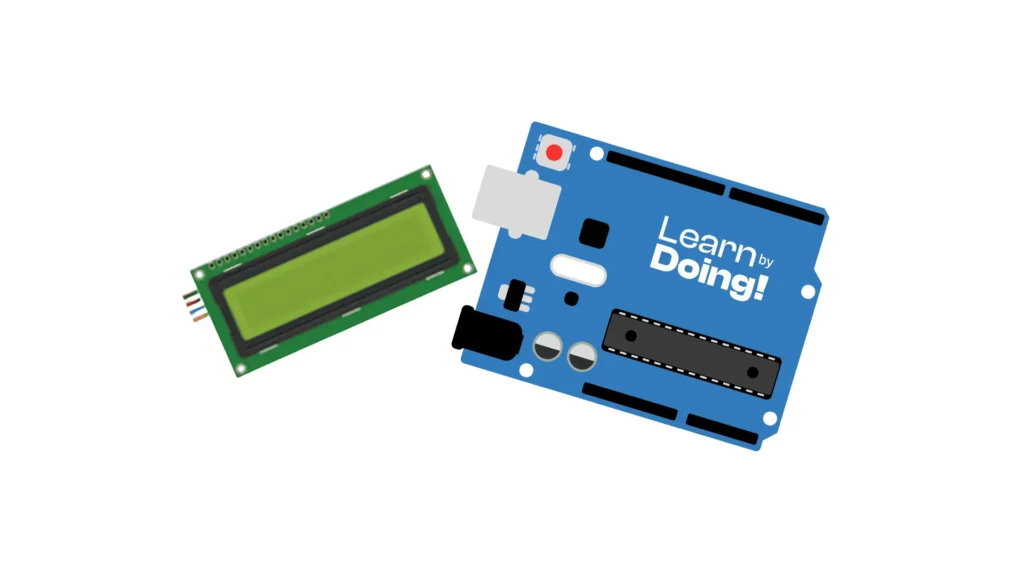
In this tutorial, you’ll learn how to use a 16×2 LCD display with an I2C interface using the Adafruit_LiquidCrystal library. The code example shows how to display a counter that increments every second and blinks the backlight to create a visual effect. What is an I2C LCD Display? When working with LCD screens and microcontrollers […]
How to use humidity sensor with Arduino
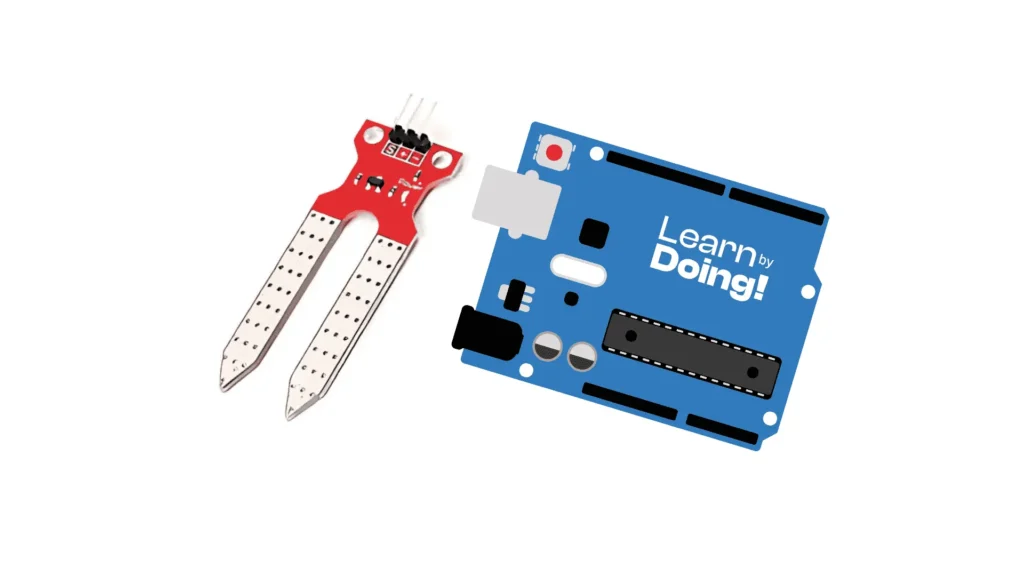
In this tutorial, you will learn how to use a basic analog soil moisture sensor with an Arduino Uno to measure soil humidity. Instead of using a digital humidity sensor, we will power the analog sensor selectively to reduce corrosion, read the moisture level, and visually represent it using 5 LEDs ranging from dry to […]

